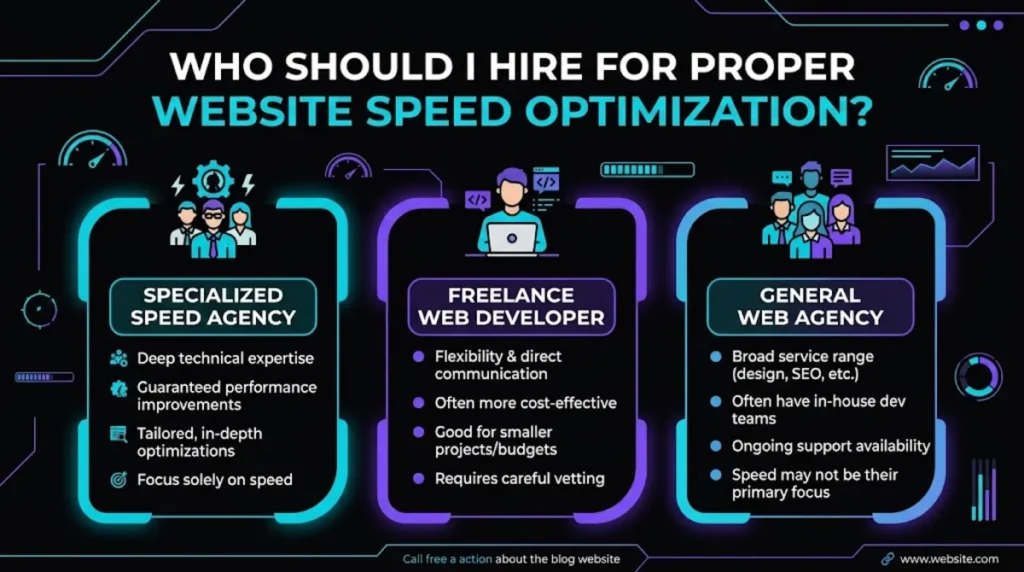
- For a proper website speed optimization, hire a specialist who works at the source, on your server, code, assets, and database, not someone who just installs a caching plugin.
- Real optimization targets Core Web Vitals directly, including INP, the metric most sites now fail, and it holds up under real-world testing.
- The clearest red flag is a provider whose entire method is installing a plugin, because that papers over problems rather than fixing them.
- A proper website speed optimization typically costs $300 to $1,500 for most sites in 2026, more for large or complex ones.
- Vet for before-and-after field data, a source-level approach, and proof they can pass Core Web Vitals on sites they have optimized.
To hire someone for a proper website speed optimization, look for a performance specialist who optimizes at the source, your server response, code, images, scripts, and database, and who can show real before-and-after Core Web Vitals results. Avoid anyone whose entire approach is installing a caching plugin, because that treats symptoms rather than causes.
Here is why this hire is easy to get wrong: speed optimization looks simple from the outside, install a plugin, click a few toggles, and the score goes up a little. But a genuinely fast site comes from work most people never see. This guide explains what a proper website speed optimization actually involves, how to tell a specialist from someone selling a plugin install, what it costs in 2026, and how to vet the person you hire.
What a Proper Website Speed Optimization Actually Involves
A proper website speed optimization works at the source: it reduces server response time, streamlines code and scripts, optimizes images, cleans the database, and targets Core Web Vitals directly. A proper website speed optimization is systematic engineering, not a single plugin toggled on.
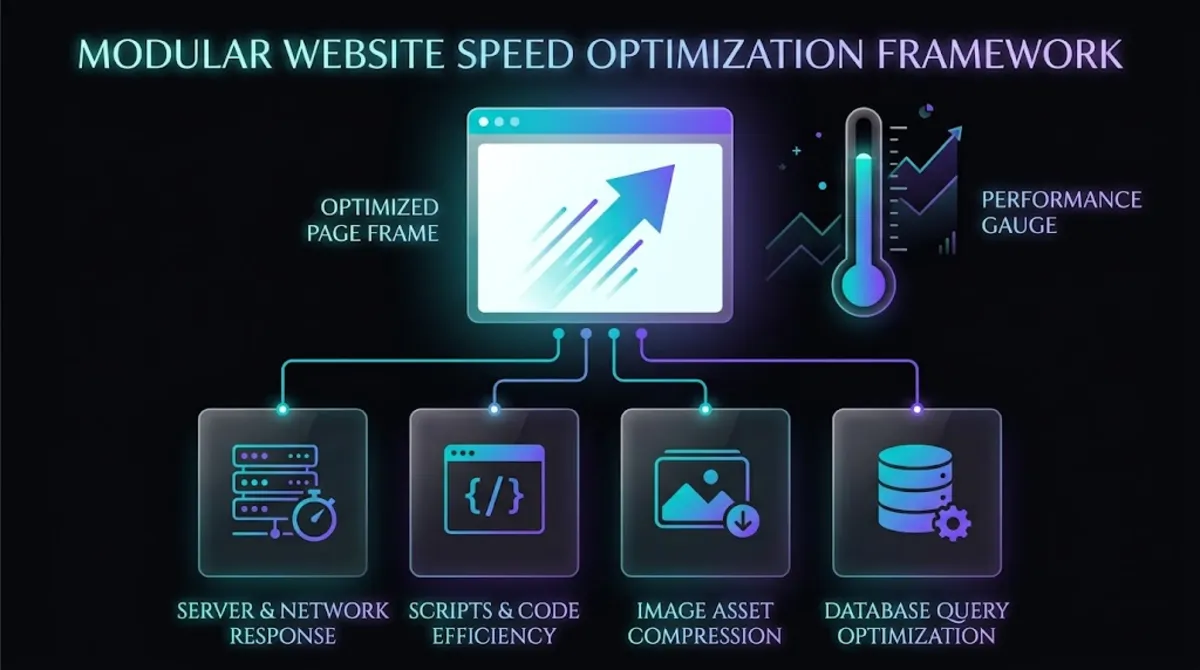
The work spans the whole stack, and a specialist knows which levers matter most:
- Server and response time. Time to First Byte is frequently the largest part of a slow Largest Contentful Paint, so hosting quality and server tuning come first. Shared hosting often struggles here; managed, VPS, or cloud hosting usually performs better.
- Code and scripts. Reducing render-blocking CSS and JavaScript, deferring non-critical work, and breaking up long tasks, which is what actually moves INP, the metric most sites now fail.
- Images and assets. Next-gen formats, correct sizing, compression, lazy loading, and preloading the main hero image so it paints fast.
- Database and back end. Cleaning bloated tables, optimizing slow queries, and reducing the work the server does on every request.
The through-line is that proper optimization is measured, not guessed. A specialist benchmarks before and after with real tools like PageSpeed Insights, fixes causes rather than symptoms, and verifies each change improved the numbers. That discipline is exactly what separates a proper website speed optimization from a quick cosmetic bump, because a real fix survives contact with real users while a cosmetic one does not. You can see how we approach this on our website speed optimization service.
Pro tip: Ask a candidate how they would improve INP specifically. INP replaced FID and is the hardest Core Web Vital to fix because it needs real JavaScript work. A vague answer is a sign they rely on plugins.
That distinction, causes versus symptoms, is where most of the money is won or lost, so it is worth understanding the trap in detail.
The Plugin Trap: Real Optimization vs a Caching Plugin
The clearest sign of a weak website speed optimization is a provider whose entire method is installing a caching plugin, because caching helps but never fixes the underlying causes of a slow site. A specialist uses caching as one tool among many, not the whole job.
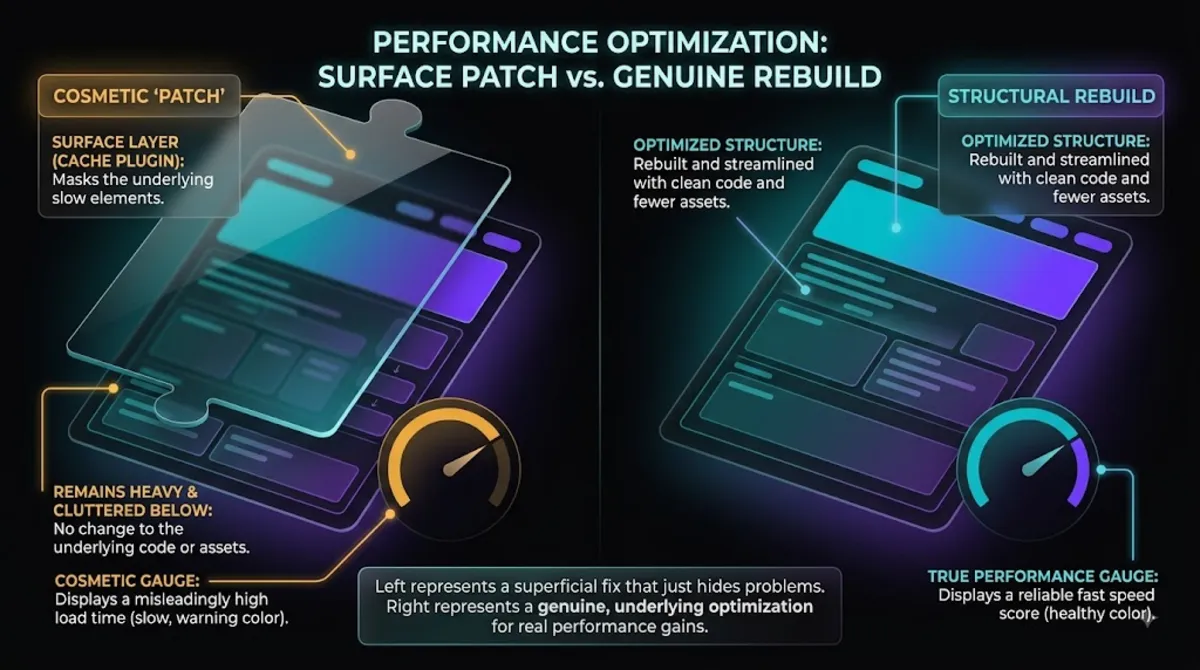
Here is the trap. A caching plugin can produce a quick, visible bump in a lab score, so it looks like the job is done.
But caching does nothing about a slow server, a bloated database, heavy render-blocking scripts, or the JavaScript that wrecks INP. Those are the causes of slowness, and they are invisible on a quick glance but painfully real for actual visitors on real devices. A provider who installs a plugin, screenshots a one-time score, and calls it finished has treated the symptom and left the disease.
This matters because Core Web Vitals are measured on real users in the field, not in a lab. A plugin-only job can show a decent lab number while real-world scores stay poor, which is why so many sites still fail their vitals despite having a caching plugin installed. Roughly only 42% of mobile sites pass all three Core Web Vitals, and a great many of those failing sites have caching plugins. The plugin was never the problem or the solution.
Pro tip: Ask, “Besides caching, what will you actually change?” A specialist rattles off server response, scripts, images, and database work. A plugin-installer struggles to name much beyond the plugin.
So if the plugin approach is not enough, who should you actually be considering?
Who to Hire for a Website Speed Optimization
You can hire a performance specialist, a general WordPress developer, a cheap freelancer, or a plugin-install service for a website speed optimization, and they differ enormously in results. The right choice depends on how fast you truly need to be and how much is riding on it.
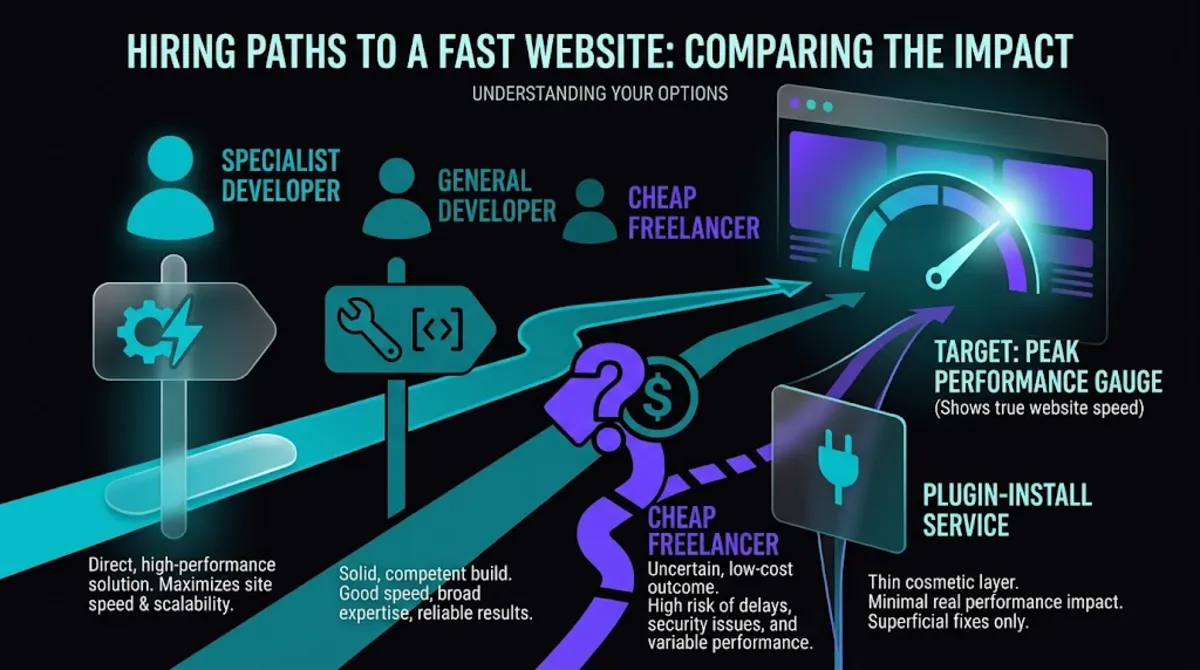
Your realistic options, and what each tends to deliver, look like this. A dedicated performance specialist lives in this work, optimizes at the source, and can reliably pass Core Web Vitals; they cost more but deliver real, lasting speed. A capable general WordPress developer can do solid optimization as part of broader work, though they may not go as deep on the trickiest metrics like INP.
A cheap freelancer or gig-marketplace seller is a gamble; some are genuinely skilled, but many simply install a plugin and hand you a lab screenshot. A pure plugin-install service is the riskiest, since it is the plugin trap sold as a service.
The pattern is simple: the more your rankings, conversions, and revenue depend on speed, the more it pays to hire a genuine specialist rather than the cheapest option. If your site is a serious part of your business, this is not the place to save a few dollars. For the broader question of who to hire for any WordPress work, our guide on hiring a WordPress developer covers the fundamentals.
Want optimization done at the source, not with a plugin?
We tune the server, code, assets, and database, and prove it with before-and-after data. See our speed optimization.
Whichever direction you lean, it helps to understand why the specialist option so often wins.
Why a Specialist Beats a Generalist for Speed
A website speed optimization specialist beats a generalist because performance optimization is a distinct, deep skill, especially now that Core Web Vitals like INP demand real changes to how a site’s code and server behave. A specialist knows the highest-impact fixes and can prove the results.
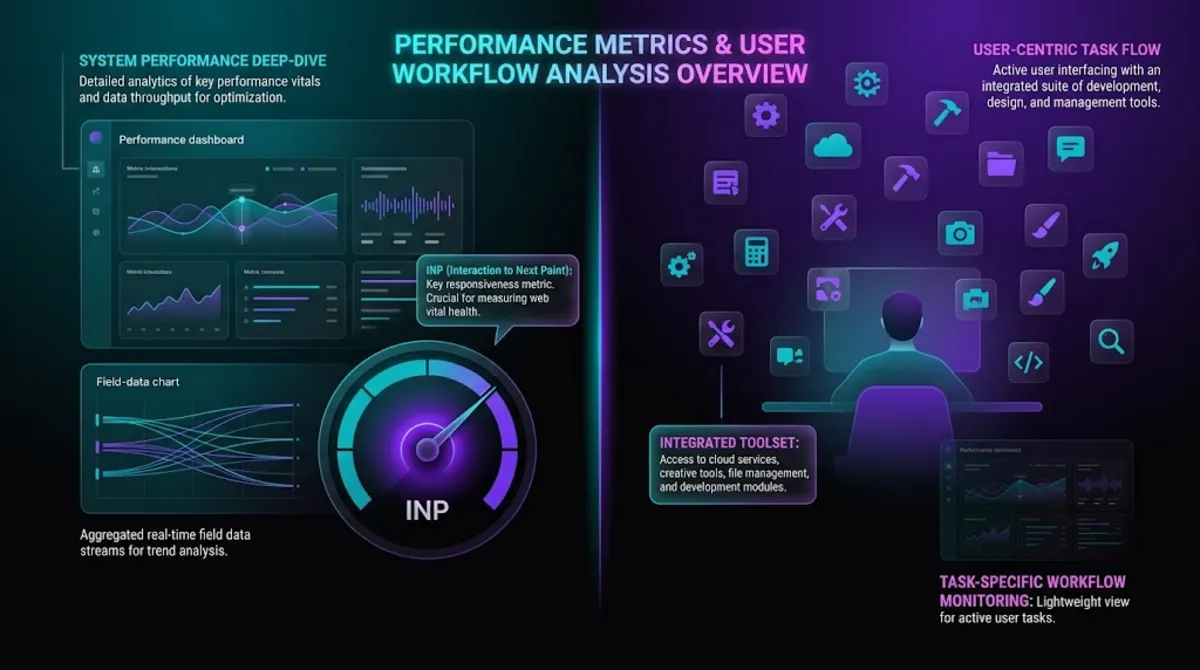
The reason specialisation matters so much here is that modern speed optimization has grown genuinely technical. INP, the responsiveness metric, replaced the old FID measure and is the most commonly failed Core Web Vital in 2026, with something like 43% of sites still missing the threshold. Fixing it is not a plugin setting; it requires restructuring JavaScript, breaking up long tasks, and thinking carefully about how a page responds to interaction. That is specialist territory.
A specialist also brings measurement discipline. They work with field data, the real-user measurements Google actually ranks on, not just a one-time lab score that can flatter a site. They know that a green lab number and a failing field score can coexist, and a good website speed optimization targets the one that counts.
A generalist juggling ten different kinds of work rarely has the time or focus to go that deep, which is no criticism of generalists, it is simply why a dedicated specialist tends to deliver faster, more durable results. Speed also feeds your rankings and your technical SEO, so the two often go hand in hand.
Pro tip: Ask whether they optimize for lab scores or field data. A specialist immediately distinguishes the two and explains why field data, real users in the Chrome dataset, is what actually matters for rankings.
Beyond the craft itself, it helps to see what proper optimization is genuinely worth, because that frames what you should be willing to pay.
What Proper Speed Optimization Is Worth
A proper website speed optimization is worth far more than it costs, because faster pages directly lift conversions, revenue, and search rankings. The measured business impact of speed is large and well documented, which is what makes this one of the highest-return investments in a site.
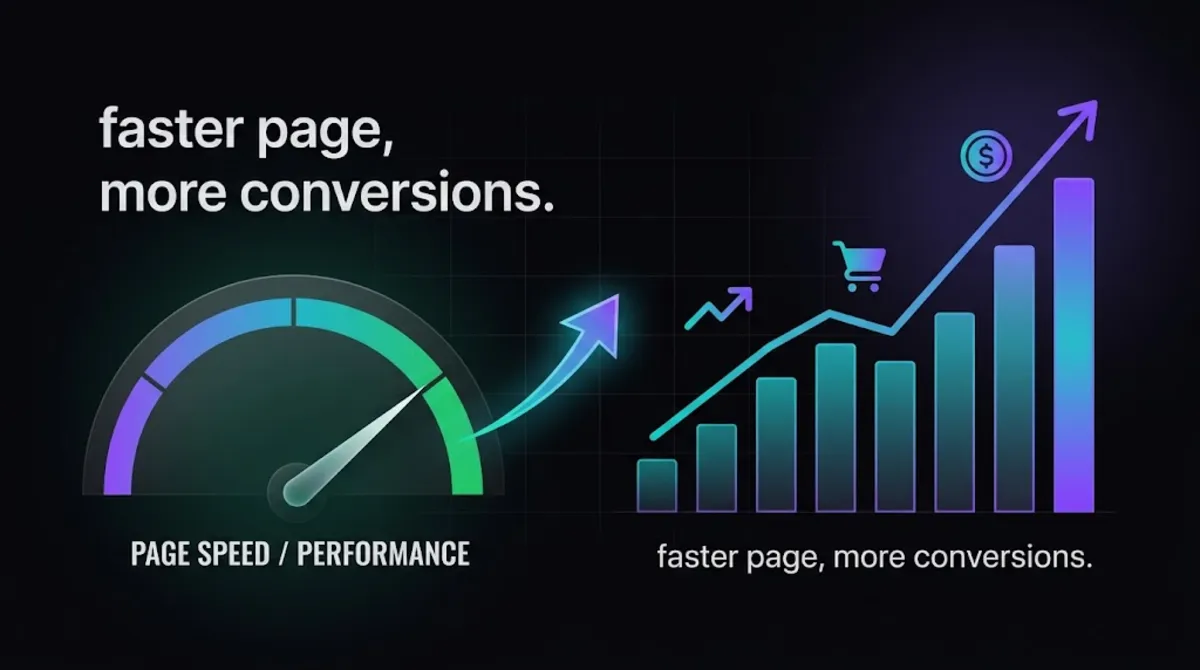
The numbers are striking, and they come from real case studies. In Google’s own Core Web Vitals business-impact studies, Rakuten 24 increased revenue per visitor by 53.37% and conversion rate by 33.13% after focusing on Core Web Vitals, and Vodafone improved its Largest Contentful Paint by 31% and saw 8% more sales.
More broadly, roughly every 100 milliseconds of load time costs about 1% in conversions, and sites that pass all three Core Web Vitals tend to see meaningfully lower bounce rates and better engagement.
Set against those figures, the cost of hiring a specialist is small. If a proper optimization lifts your conversion rate even slightly, it can pay for itself many times over from the traffic you already have, before counting any ranking improvement. That is the real case for paying for quality: you are not buying a faster score, you are buying more of the customers your site already attracts. You can see transparent numbers on our pricing page.
Curious what speed is costing you?
Send us your site and we will show you where it is slow and what a proper optimization could recover. Get a speed assessment.
With the value clear, here is what the work itself typically costs.
What Website Speed Optimization Costs in 2026
A proper website speed optimization typically costs $300 to $1,500 for most sites in 2026, with larger or more complex sites, especially eCommerce, costing more. Specialists charge more than plugin-installers because they deliver real, measured, lasting results.
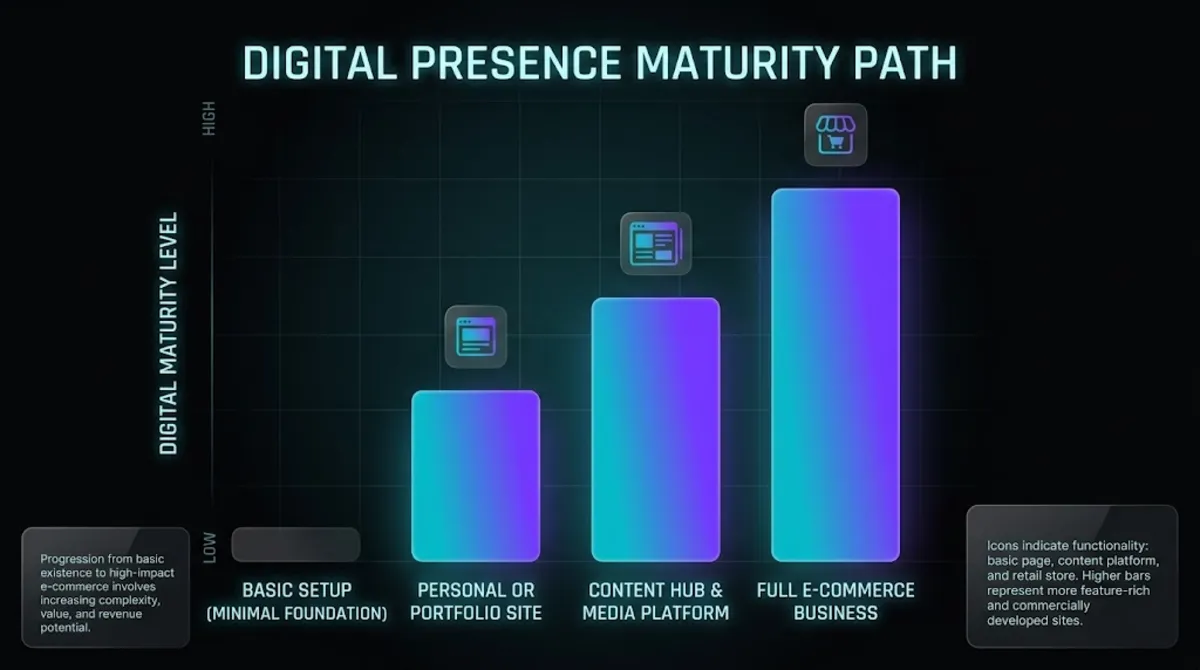
Here is roughly what to expect in 2026:
- Standard site: $300–$700 for a proper optimization of a typical business or brochure site, covering server, assets, code, and database.
- Larger or eCommerce site: $700–$1,500+, reflecting more pages, heavier functionality, and the extra care a store needs without breaking checkout.
- Very cheap offers: the $20–$50 gig-marketplace listings are almost always the plugin trap, a caching plugin installed and a lab screenshot delivered.
The value case for paying specialist rates is straightforward: a genuine optimization delivers real, field-measured speed that lifts conversions and rankings and holds up over time, whereas a bargain plugin job produces a cosmetic bump that fades and leaves the real causes untouched. You are paying for durable results you can measure, not a screenshot. Ongoing speed is also easier to protect with regular maintenance and support, so gains do not quietly erode.
Want a clear quote for a proper optimization?
Tell us your site and goals and we will scope it with a fixed price and a before-and-after plan. Get a speed quote.
Before you commit to anyone, these seven checks confirm you have found the real thing.
7 Things to Look For Before You Hire
Before you hire for a website speed optimization, look for these seven things. Because speed quality lives in details a client cannot see at a glance, these checks separate a genuine specialist from someone selling a plugin install.
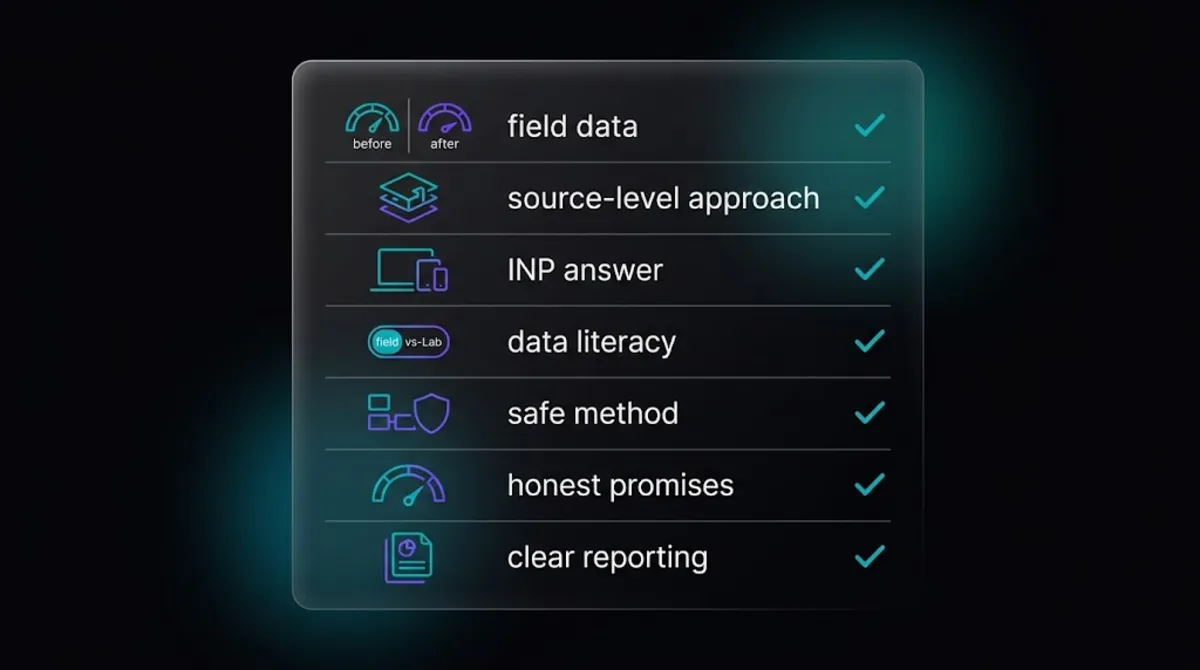
- Before-and-after field data. Real Core Web Vitals results on sites they have optimized, not just a single lab screenshot.
- A source-level approach. They optimize server, code, images, and database, not only install a plugin.
- An answer on INP. They can explain how they improve INP, the hardest and most-failed vital, with real changes.
- Field-data literacy. They distinguish lab scores from real-user field data and optimize for the one Google ranks on.
- A safe method. They test on staging first, so optimization never breaks your live site.
- Realistic promises. They talk in measured gains, not guarantees of a perfect 100 score, which no one can promise.
- Clear reporting. They give you a before-and-after report so you can see exactly what improved.
These checks work because genuine optimization shows up in measured, real-world results, not appearances. A specialist welcomes questions about their method and their data, because that is where their advantage lives. Someone who only shows you a single lab screenshot and avoids talk of field data may be selling you the plugin trap.
Pro tip: Ask to see field data, from the Chrome User Experience Report or a real-user monitoring tool, for a site they have optimized. A specialist has it. A plugin-installer only has lab screenshots.
Use the quick tool below to see what kind of speed help fits your site.
Ready for a site that is genuinely fast?
We optimize at the source and prove the gains with real data. Tell us about your site and we will take it from there. Start the conversation.
Frequently Asked Questions
Who should I hire for a proper website speed optimization?
Hire a performance specialist who optimizes at the source, your server, code, images, scripts, and database, and who can show real before-and-after Core Web Vitals results from sites they have worked on. Avoid anyone whose entire method is installing a caching plugin, because that treats symptoms rather than causes. Speed optimization is a core part of what we do, so if you want it done properly, we would be glad to help, and the same criteria apply to vetting anyone.
Isn’t installing a caching plugin enough to speed up my site?
No. Caching helps, but it never fixes the underlying causes of a slow site, such as a slow server, heavy scripts, unoptimized images, or a bloated database. A caching plugin can produce a quick lab-score bump while real-world Core Web Vitals stay poor, which is why so many sites with caching plugins still fail their vitals. Proper optimization uses caching as one tool among many, not the whole job.
How much does a website speed optimization cost?
A proper website speed optimization typically costs $300 to $700 for a standard business site and $700 to $1,500 or more for larger or eCommerce sites, in 2026. Very cheap offers, the $20 to $50 gig listings, are almost always just a caching plugin installed with a lab screenshot delivered. A specialist costs more because they deliver real, measured, lasting results.
What are Core Web Vitals and why do they matter for speed?
Core Web Vitals are Google’s three real-user performance metrics: Largest Contentful Paint (loading), Interaction to Next Paint (responsiveness), and Cumulative Layout Shift (visual stability). They matter because Google uses them as a ranking signal and they correlate strongly with conversions. INP is the hardest to fix and the one most sites fail, which is exactly why a specialist who can improve it is worth hiring.
Can any WordPress developer do speed optimization?
A capable general developer can do solid optimization, but performance is a distinct, deep skill, especially now that fixing INP requires real changes to a site’s JavaScript and server behaviour. A dedicated specialist knows the highest-impact fixes, works with real-user field data, and can prove the results. For a slow or sales-critical site, a specialist usually delivers faster, more durable gains.
Will speed optimization break my site?
It should not, when done properly. A good specialist tests every change on a staging copy first, verifies functionality, then applies it carefully to your live site, so nothing breaks and your site stays online throughout. If a provider wants to make aggressive changes directly on your live site with no staging step, that is a red flag worth questioning.
How do I know the optimization actually worked?
Ask for before-and-after field data, the real-user Core Web Vitals measurements from Google’s Chrome User Experience Report or a real-user monitoring tool, not just a one-time lab screenshot. Lab scores can look green while real-world scores stay poor. A genuine specialist measures field data before and after and gives you a clear report showing exactly what improved.
Conclusion
When you want a proper website speed optimization, hire a specialist who works at the source, on your server, code, images, and database, targets Core Web Vitals directly including the tricky INP metric, and can prove real before-and-after results with field data.
The single biggest mistake in a website speed optimization is falling for the plugin trap: a provider whose whole method is installing a caching plugin and handing you a lab screenshot, because that papers over the causes of slowness rather than fixing them.
Check for before-and-after data, a source-level approach, and honest, measured promises, and you will quickly separate the specialists from the plugin-installers. Get it right and speed becomes one of the highest-return investments you can make in your site, paying for itself through the conversions and rankings it recovers.
Ready for a proper speed optimization?
Speed is a core part of what we do. Tell us about your site and we will make it genuinely fast, and prove it. Get started today.
This article was last reviewed and updated in {{UPDATED}} to reflect current 2026 Core Web Vitals standards, speed optimization practices, and specialist rates.